
There's something satisfying about a little screen on your desk that shows real departures from your local airport, updating itself all day. It's also one of the best first hardware projects for a flight-data API: a Raspberry Pi, a display, about 40 lines of Python, and a schedules endpoint. This tutorial walks through building a live airport departure board end to end — fetching real departures, rendering them, and keeping them fresh — with code you can copy and run today.
What you'll need
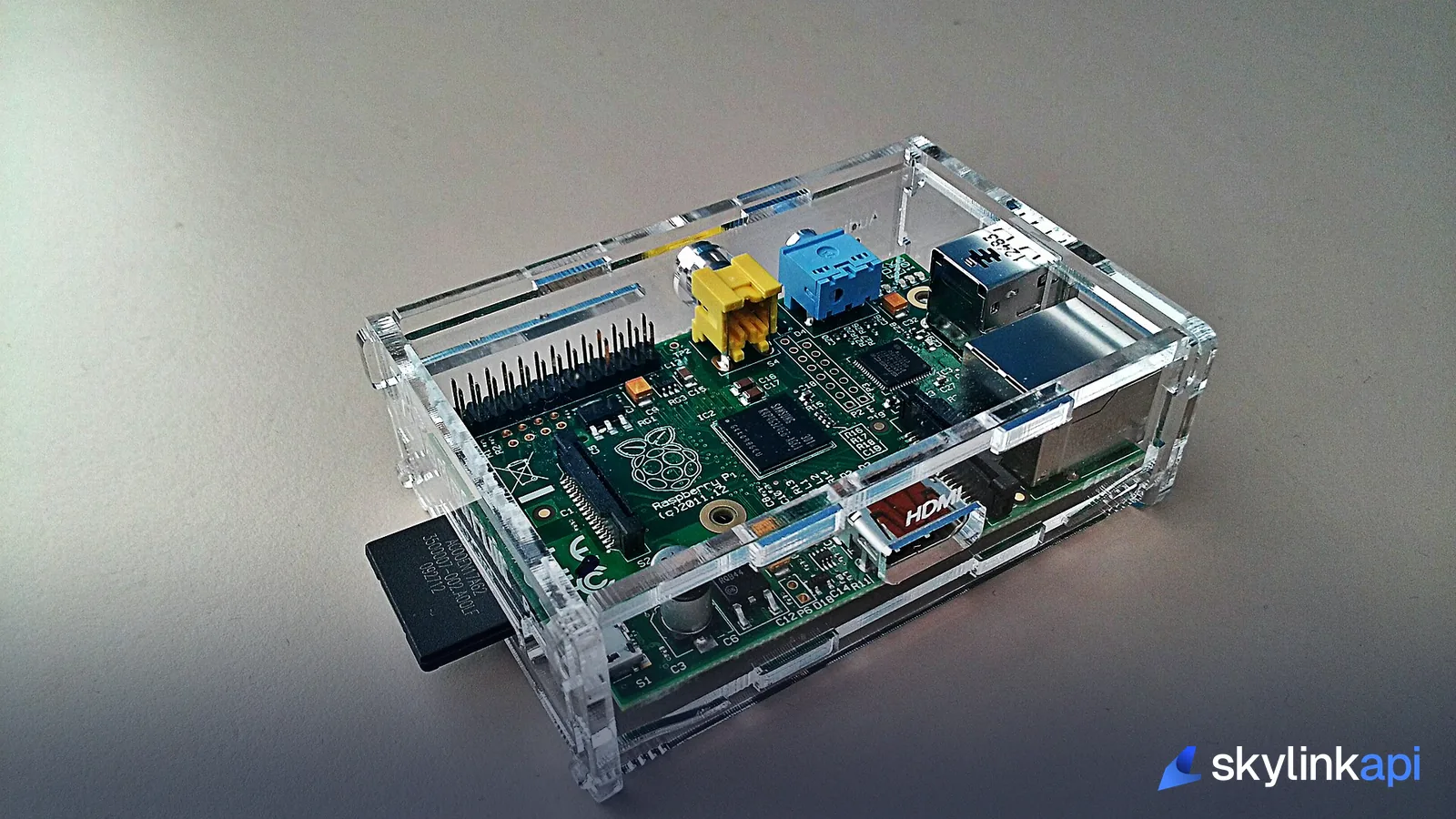
- A Raspberry Pi — any model with network access. A Pi Zero 2 W or Pi 4 is plenty; this is a light workload.
- A display — the Pi's HDMI output to any monitor for a full-screen board, or a small add-on (an LCD HAT, an e-ink panel, or an LED matrix) if you want a dedicated appliance.
- Python 3 and the
requestslibrary (pip install requests). - A SkyLink API key — the free trial (1,000 requests/month) is enough to poll one airport all day. Grab it and copy your
X-RapidAPI-Keyfrom Getting Started.
The data: one endpoint does the heavy lifting
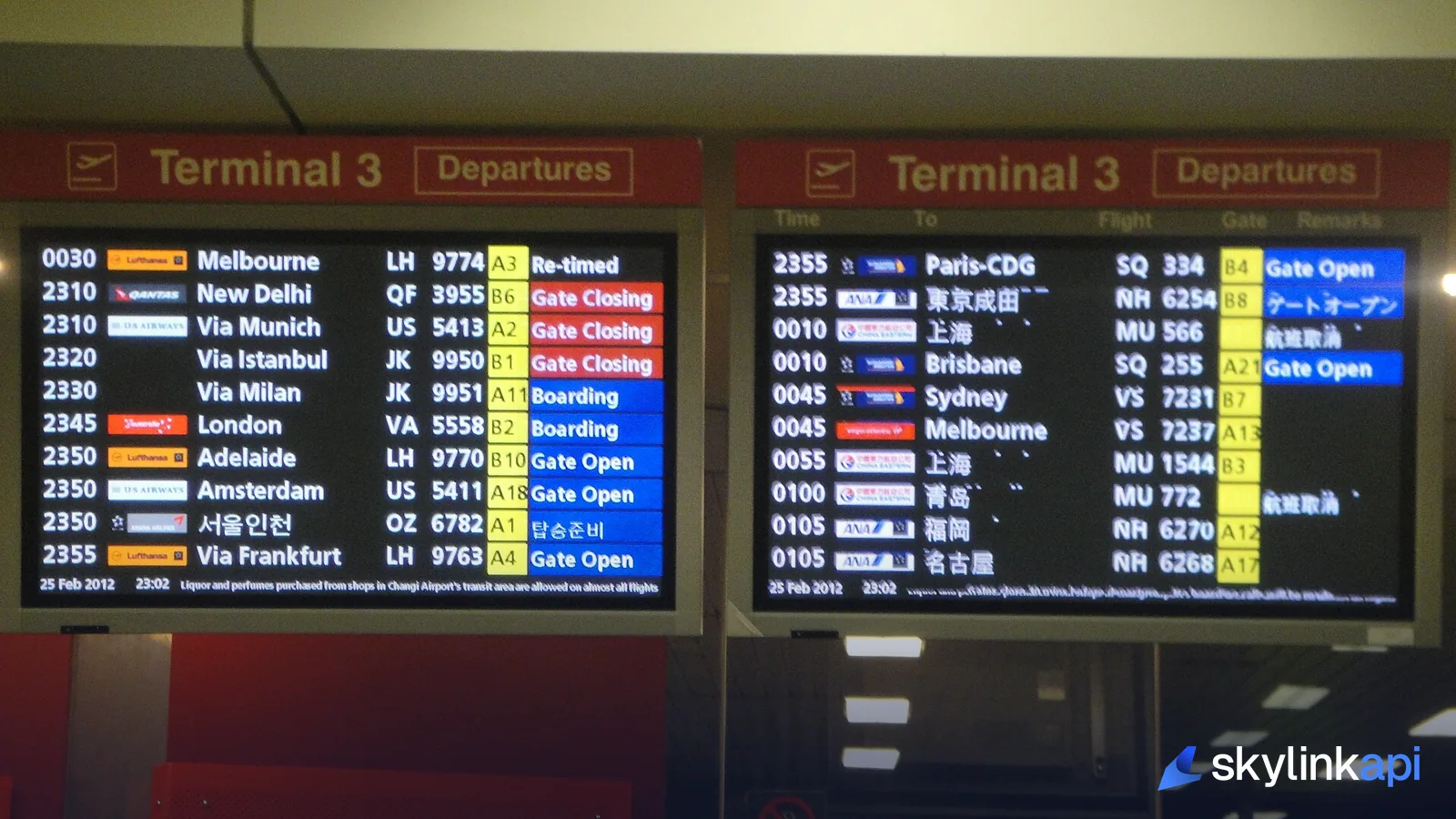
An airport departure board is exactly what the schedules endpoint returns — every departure for an airport over the next several hours, one row per flight, with time, flight number, destination, and status. That's a single call:
curl "https://skylink-api.p.rapidapi.com/schedules/departures?icao=EGLL" \
  -H "X-RapidAPI-Key: $RAPIDAPI_KEY" \
  -H "X-RapidAPI-Host: skylink-api.p.rapidapi.com"
One gotcha to note before you write any code: the flight-row keys are title-case — Time, Flight, Status, Destination — not lowercase. Reaching for row["time"] returns nothing; it's row["Time"]. This trips up almost everyone on the first try.
Step 1 — Fetch departures in Python
Here's the core fetcher. It reads your key from an environment variable (never hard-code it), calls the schedules endpoint, and returns the list of departure rows:
import os
import requests

BASE = "https://skylink-api.p.rapidapi.com"
HEADERS = {
    "X-RapidAPI-Key": os.environ["RAPIDAPI_KEY"],
    "X-RapidAPI-Host": "skylink-api.p.rapidapi.com",
}

def fetch_departures(icao: str) -> list[dict]:
    r = requests.get(
        f"{BASE}/schedules/departures",
        headers=HEADERS,
        params={"icao": icao},
        timeout=(10, 20),
    )
    r.raise_for_status()
    data = r.json()
    return data.get("departures") or data.get("flights") or []
Step 2 — Render the board
For a desktop or HDMI board, the simplest good-looking option is a console table with the rich library (pip install rich), which handles color and full-screen refresh for you:
from rich.console import Console
from rich.table import Table

console = Console()

def render(rows: list[dict], airport: str) -> None:
    table = Table(title=f"Departures — {airport}", expand=True)
    table.add_column("Time"); table.add_column("Flight")
    table.add_column("Destination"); table.add_column("Status")
    for row in rows[:20]:
        status = row.get("Status", "") or "—"
        style = "red" if "delay" in status.lower() else "green" if "board" in status.lower() else ""
        table.add_row(row.get("Time", ""), row.get("Flight", ""),
                      row.get("Destination", ""), f"[{style}]{status}[/]" if style else status)
    console.clear(); console.print(table)
Driving an e-ink or LED-matrix display instead? The logic is identical — you're just swapping console.print for that panel's draw call. The data shape doesn't change.
Step 3 — Keep it fresh (without burning your quota)
The loop ties it together. The one discipline that matters: poll on a sensible interval. A departure board does not need second-by-second updates — every 60–120 seconds is smooth and keeps you comfortably inside the free tier (one call a minute is ~43,000/month, so stretch it to two minutes, or only during operating hours):
import time

AIRPORT = "EGLL"
POLL_SECONDS = 120

while True:
    try:
        render(fetch_departures(AIRPORT), AIRPORT)
    except Exception as e:
        console.print(f"[yellow]fetch failed: {e}[/]")
    time.sleep(POLL_SECONDS)
Two robustness notes. First, empty strings mean "unknown," not "error" — Status, gate, and terminal are often "" until the airline publishes them, so render a dash, not a blank that looks broken. Second, wrap the fetch in a try/except as above so a single network blip doesn't kill your always-on board.
Step 4 — Make it a real appliance
To have the board start on boot, drop it into a systemd service so the Pi runs it headless and restarts it if it ever exits:
# /etc/systemd/system/departures.service
[Service]
Environment=RAPIDAPI_KEY=your_key_here
ExecStart=/usr/bin/python3 /home/pi/departures.py
Restart=always
[Install]
WantedBy=multi-user.target
sudo systemctl enable --now departures and you have a self-updating departure board that survives reboots.
Where to take it next
Once the basic board works, the same pattern extends easily: add a US delay banner from the FAA delays endpoint, pull per-flight detail with flight status when a row is tapped, or color the whole board by weather from the METAR endpoint. If you want to turn the "delayed" rows into actual push notifications, our flight delay notification system walkthrough picks up exactly where this leaves off.
SkyLink API's free tier gives you 1,000 requests/month — enough to run a departure board all day — with paid plans starting at $19/mo if you build a wall of them. It's available through the free trial — sign up, grab a key, and give your desk its own departure board.