
Flying the airplane is the easy part; not getting lost on the ground at a big unfamiliar airport is surprisingly hard. That's what the airport diagram is for — the scaled map of runways, taxiways, and aprons that every pilot studies before taxiing. It's dense with symbols and codes that mean something precise, and reading it well is a real safety skill (ground collisions and runway incursions are a serious risk). Here's how to read one.
What an airport diagram is
An airport diagram is a to-scale chart of the airport surface — every runway, taxiway, ramp, and terminal, labeled with its identifier. It's one plate in the airport's chart set (the airport-diagram/general category), and on a modern flight deck it lives on the Electronic Flight Bag with the aircraft's own position overlaid on it. Its whole job is to let a crew navigate from the gate to the assigned runway — and back — without ending up somewhere they shouldn't be.
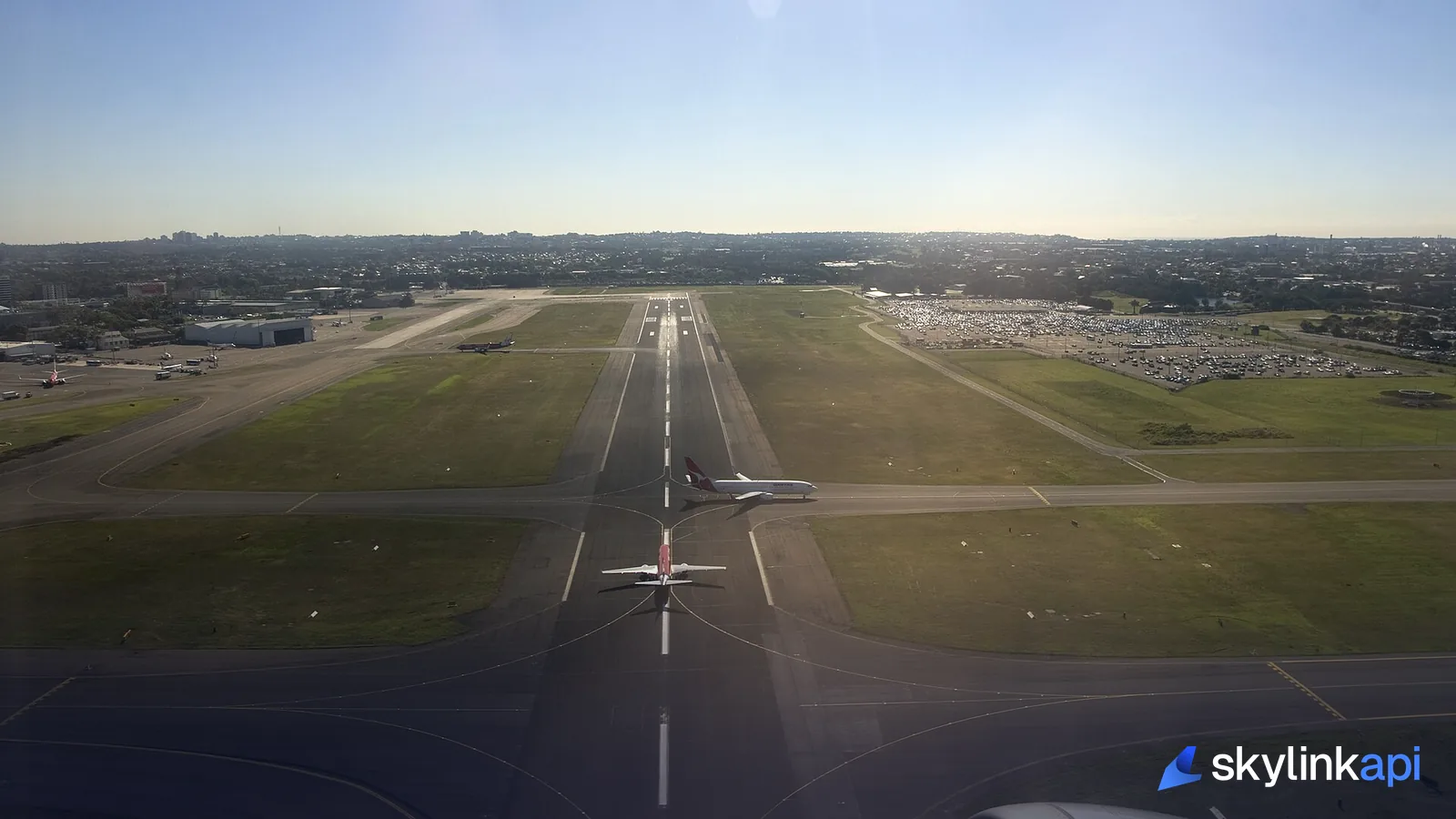
Taxiways and their signs
Taxiways are identified by letters — A, B, C, spoken phonetically ("Alpha, Bravo, Charlie") — and on the diagram they're the network of lines connecting runways and ramps. Out on the airport, the signs that go with them follow a strict color code that's worth memorizing, because the color tells you what kind of information it is:
- Location signs — yellow text on black. Tell you which taxiway (or runway) you are on right now.
- Direction signs — black text on yellow, with arrows. Point to the taxiways you can turn onto at the intersection ahead.
- Mandatory instruction signs — white text on red. The serious ones: a runway holding position (e.g.
16-34) or a no-entry area. You do not cross these without an explicit ATC clearance.
On the pavement itself, a runway holding position marking is four yellow lines across the taxiway — two solid, two dashed. You hold on the solid side and only cross onto the runway when cleared.
Runways on the diagram
Runways are the wide strips, labeled with the numbers painted on each end — those numbers are the runway's magnetic heading divided by ten, with L/C/R for parallel runways, which we break down in how runways are numbered. The diagram also shows runway length, the displaced thresholds, and the critical areas around instrument-landing systems that must be kept clear during low-visibility approaches.

Hotspots: where the diagram warns you
The most safety-critical symbol on many diagrams is the hotspot — usually a circled or outlined area labeled HS 1, HS 2, and so on. A hotspot marks a spot on the airport with a history of confusion or a heightened risk of a runway incursion: a complex intersection, a taxiway that points at the wrong runway, an easy-to-miss hold line. They're published precisely so crews slow down, double-check their position, and pay extra attention exactly where others have gone wrong. If you learn to read one thing on an airport diagram beyond the layout, make it the hotspots.
Where the diagram (and its data) comes from
Airport diagrams are published charts, and the surrounding data — runway dimensions, frequencies, navaids — is structured information you can pull rather than transcribe. SkyLink API's aerodrome charts endpoint returns categorized chart PDFs for an airport (including the airport-diagram and ground-movement categories), and the airports endpoint returns the runways, frequencies, and navaids behind the picture:
curl "https://skylink-api.p.rapidapi.com/charts/KJFK" \
  -H "X-RapidAPI-Key: $RAPIDAPI_KEY" \
  -H "X-RapidAPI-Host: skylink-api.p.rapidapi.com"
Together they're the backbone of the ground-navigation features in any EFB. If you're building one, What Is an EFB? maps the rest of the cockpit-app features to their data sources.
SkyLink API gives you a free tier of 1,000 requests/month across charts and airport data, with paid plans from $19/mo for production. It's available through the free trial — sign up, grab a key, and put the airport diagram in your app.