
A flight schedules API is the data behind every departure board, travel app, and airport dashboard: what's leaving, what's arriving, when, and to or from where. It sounds simple, and the happy path is — but building something reliable means handling codeshares, status strings, and time zones without shipping bugs. This guide walks through pulling departures and arrivals for any airport, then the three things that actually trip developers up.
The two endpoints
Schedules come in two mirrored operations — departures and arrivals — that share the same response envelope. Pass an airport by ICAO (or IATA) code:
curl "https://skylink-api.p.rapidapi.com/schedules/departures?icao=EGLL" \
  -H "X-RapidAPI-Key: $RAPIDAPI_KEY" \
  -H "X-RapidAPI-Host: skylink-api.p.rapidapi.com"
{
"airport_code": "LIMC",
"direction": "departures",
"flights": [
{
"Time": "16:05",
"Date": "11 Feb",
"IATA": "ICN",
"Destination": "Seoul",
"Flight": "C84093",
"Airline": "Federal Airlines",
"Status": "Estimated 16:39"
}
],
"total_flights": 85,
"pages_fetched": 3
}Arrivals return the same shape with an Origin instead of a Destination. Each flight row carries the scheduled Time, the flight number, operating Airline, and a human-readable Status (Estimated 16:39, Landed 16:15, Boarding, Cancelled).
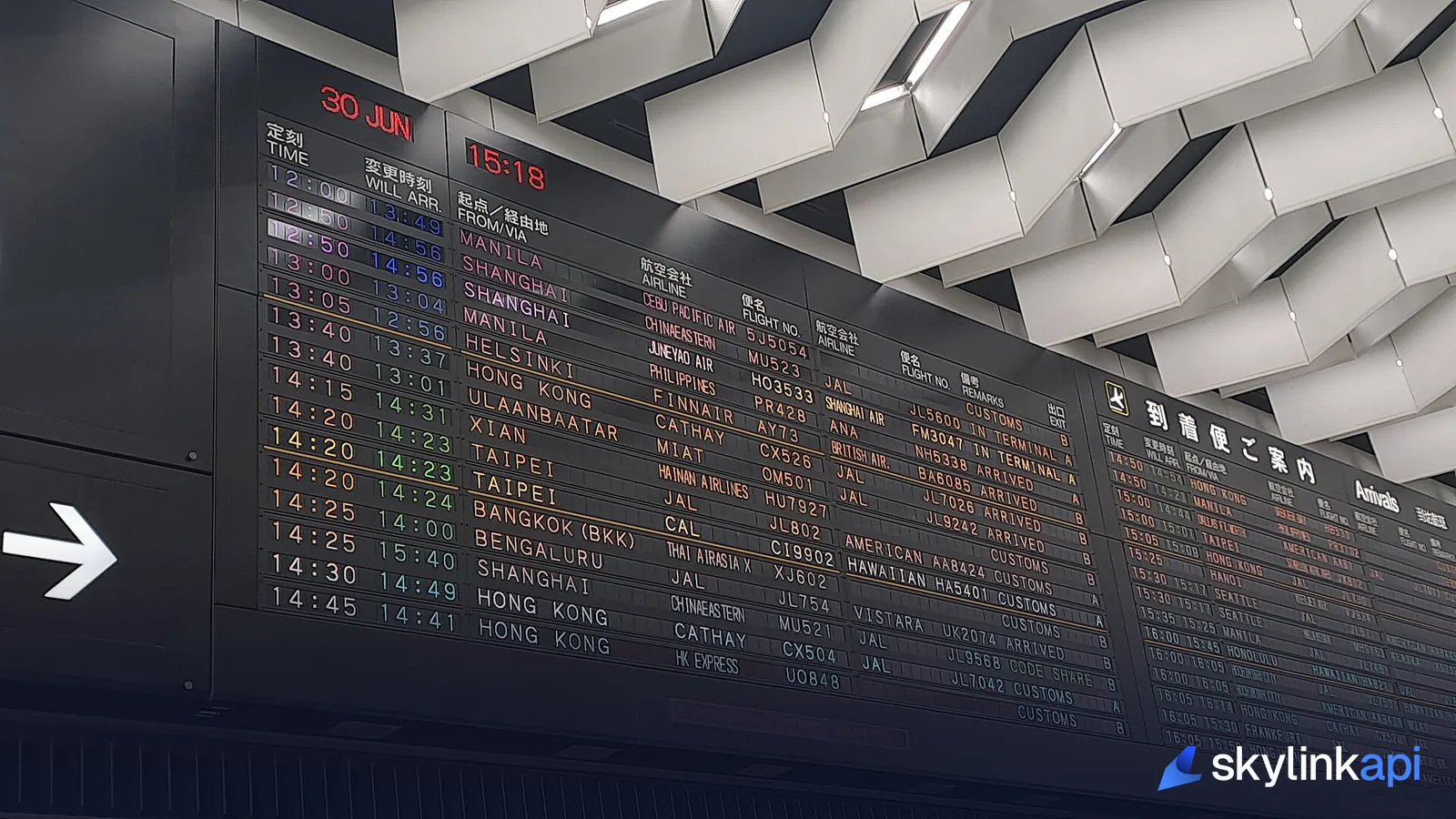
Building a departure board
The classic use case is a live board. The pattern is simple: fetch on an interval, cache the result, and render. You don't want to call the API once per viewer — pull once every minute or two, cache the response, and serve every connected client from that cache:
import time, requests

BASE = "https://skylink-api.p.rapidapi.com"
HEADERS = {"X-RapidAPI-Key": KEY, "X-RapidAPI-Host": "skylink-api.p.rapidapi.com"}

def board(icao):
    r = requests.get(f"{BASE}/schedules/departures", headers=HEADERS,
                     params={"icao": icao}, timeout=30)
    r.raise_for_status()
    return r.json()["flights"]

for f in board("EGLL")[:10]:
    print(f'{f["Time"]}  {f["Flight"]:>7}  {f["Destination"]:<18} {f["Status"]}')
That's the whole core of a departure board — and if you want it on physical hardware, our Raspberry Pi departure board build wires this exact data to a screen.
Pitfall 1: codeshares
The single most confusing thing in schedule data is that one physical flight can appear under several flight numbers — a codeshare. British Airways sells a seat on an American Airlines aircraft under a BA number, and both may show. If you dedupe naively by flight number you'll show the same departure two or three times. Key your board on the operating flight and time, not every marketing number. We unpack the whole marketing-vs-operating split in codeshare flights explained.

Pitfall 2: time zones
The times in a schedule feed are local to the airport you queried. That's what a board should show — but the moment you compare two airports, or store times, or compute a duration, local times will burn you. A red-eye that departs "23:30" and arrives "06:10" crosses midnight and, often, a date line. Normalize to UTC / Zulu time for any storage or math, and only convert back to local for display. Getting this wrong is the number-one source of "why does my flight show a negative duration" bugs.
Pitfall 3: status is a string, not an enum
The Status field is human-readable text (Estimated 16:39, Landed 16:15, Departed, Cancelled, Boarding). Don't try to switch on the exact string — match on the leading keyword (Cancelled, Landed, Estimated) and treat the rest as detail. For a single flight rather than a whole board, the flight status endpoint gives you gate, terminal, and baggage for one flight number.
How it compares
"Flight schedule API" is a crowded query, mostly contested by product landing pages:
| SkyLink API | AviationStack | Aviation Edge | |
|---|---|---|---|
| Departures & arrivals board | Yes | Yes | Yes |
| Per-flight live status | Yes | Yes | Yes |
| Decoded weather + ADS-B on same key | Yes | No | No |
| Free tier | 1,000 req/mo | Limited free | No |
Competitor details reflect public positioning as of mid-2026 — verify before committing.
The differentiator isn't schedules alone — it's that the same key also gives you live ADS-B, weather, and airport data, so a travel or ops app isn't gluing three vendors together.
SkyLink API gives you a free tier of 1,000 requests/month across schedules and flight status, with paid plans starting at $18.59/mo for production. It's available through the free trial — sign up, grab a key, and put a live board on your own screen.